PDF statement and invoice reader
Reads text-based PDF statements and invoices into Excel, and flags totals that do not add up.
Covers: text-based PDF statements and invoices into Excel, with totals checked. Scanned pages are out.
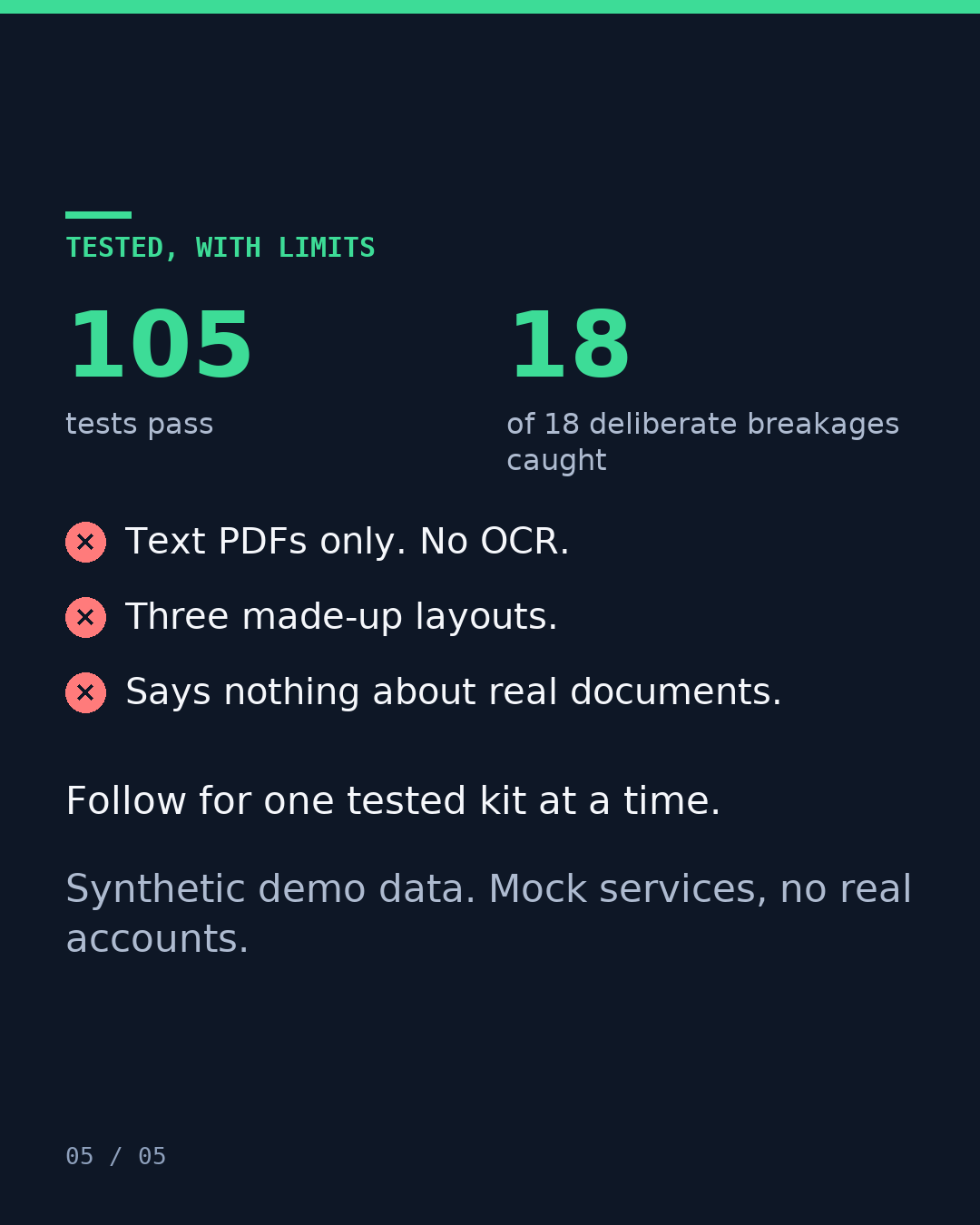
- 105tests passed
- 18 of 18planted bugs caught
- Checked a second time in a separate review pass before publishing. Required fixes from that check are in.
Limit: Text-based PDFs only. No OCR, so scanned pages are out.
What you get
- This kit, set up on your data after a written brief.
- Its test report: what we broke, what caught it and what got through.
- A plain list of its limits, and a report or log after every run, so you can check the counts the next day.
What we need from you
- A sample export, or access to a test copy of the tools it connects.
- A written brief: what it should do and where you think it breaks.
Price: from $49, fixed quote in writing before any work.
Timing: the written quote states the delivery date.
Ask about this kitor write to [email protected]
The problem
Typing invoice lines from a PDF into a spreadsheet invites typos. A printed total can be wrong too, and a reader that copies it passes the mistake on.
What we broke
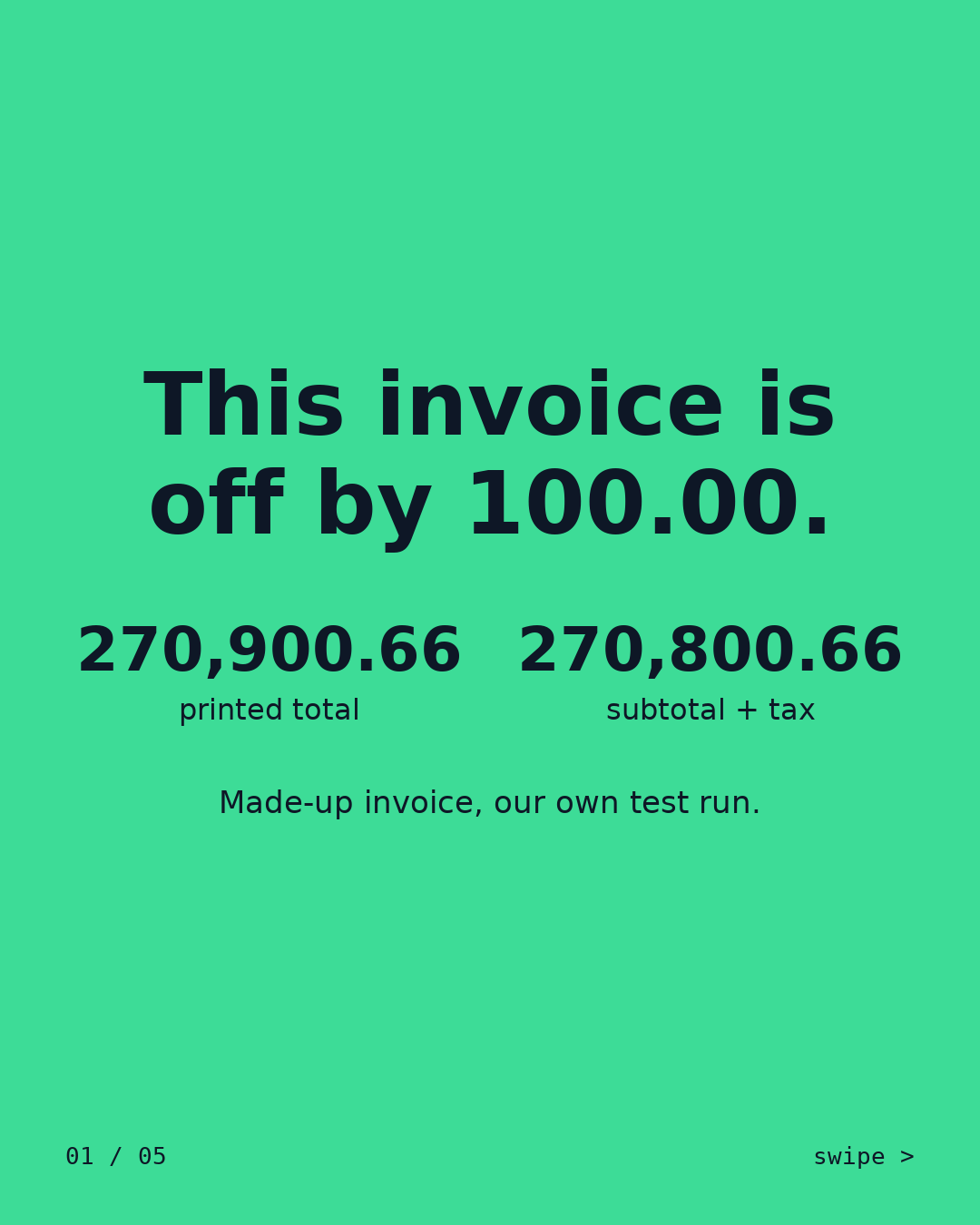
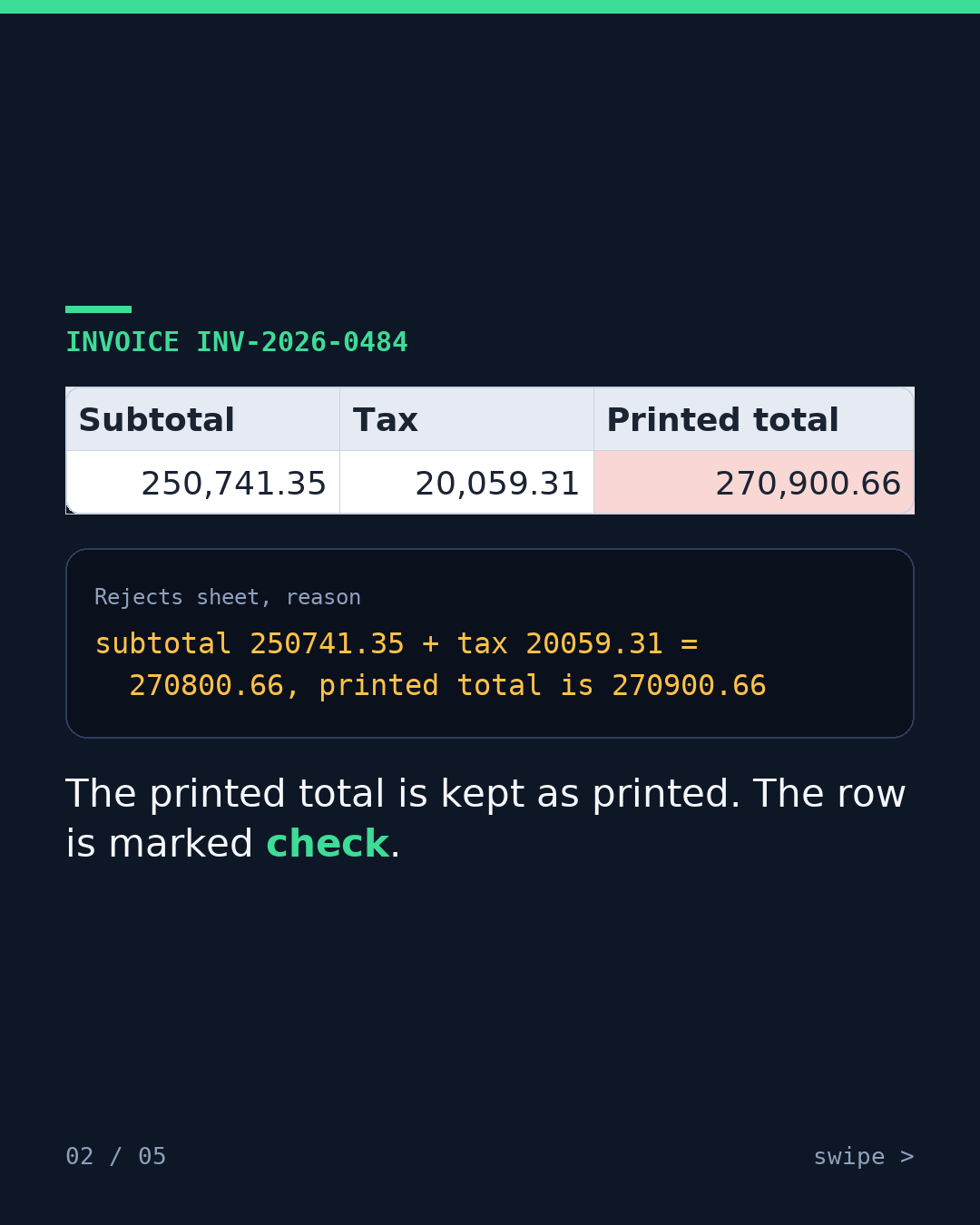
- We made an invoice whose printed total does not match its own lines. The reader added subtotal 250741.35 and tax 20059.31 to get 270800.66. It saw 270900.66 printed and marked the row 'check' instead of passing it through.
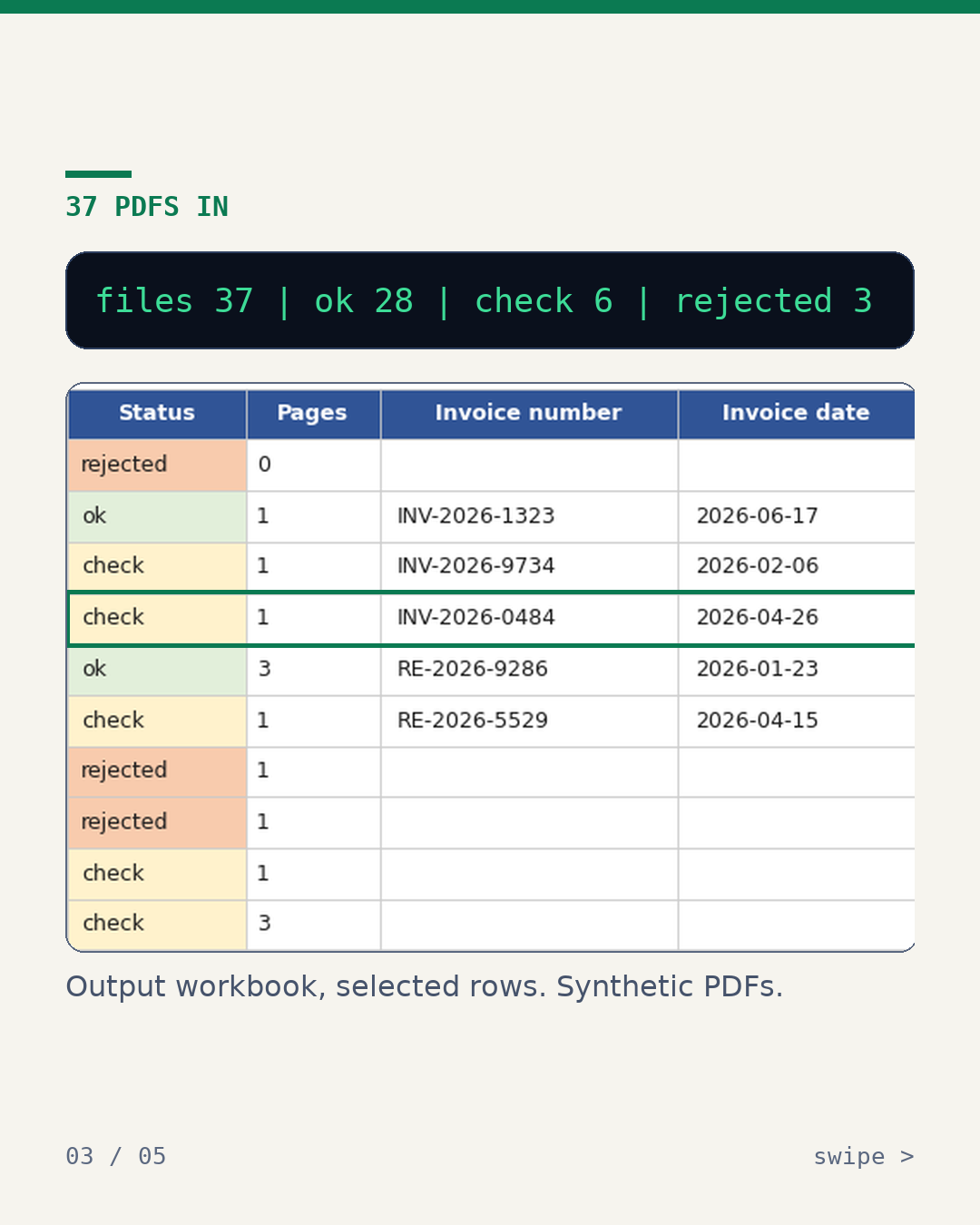
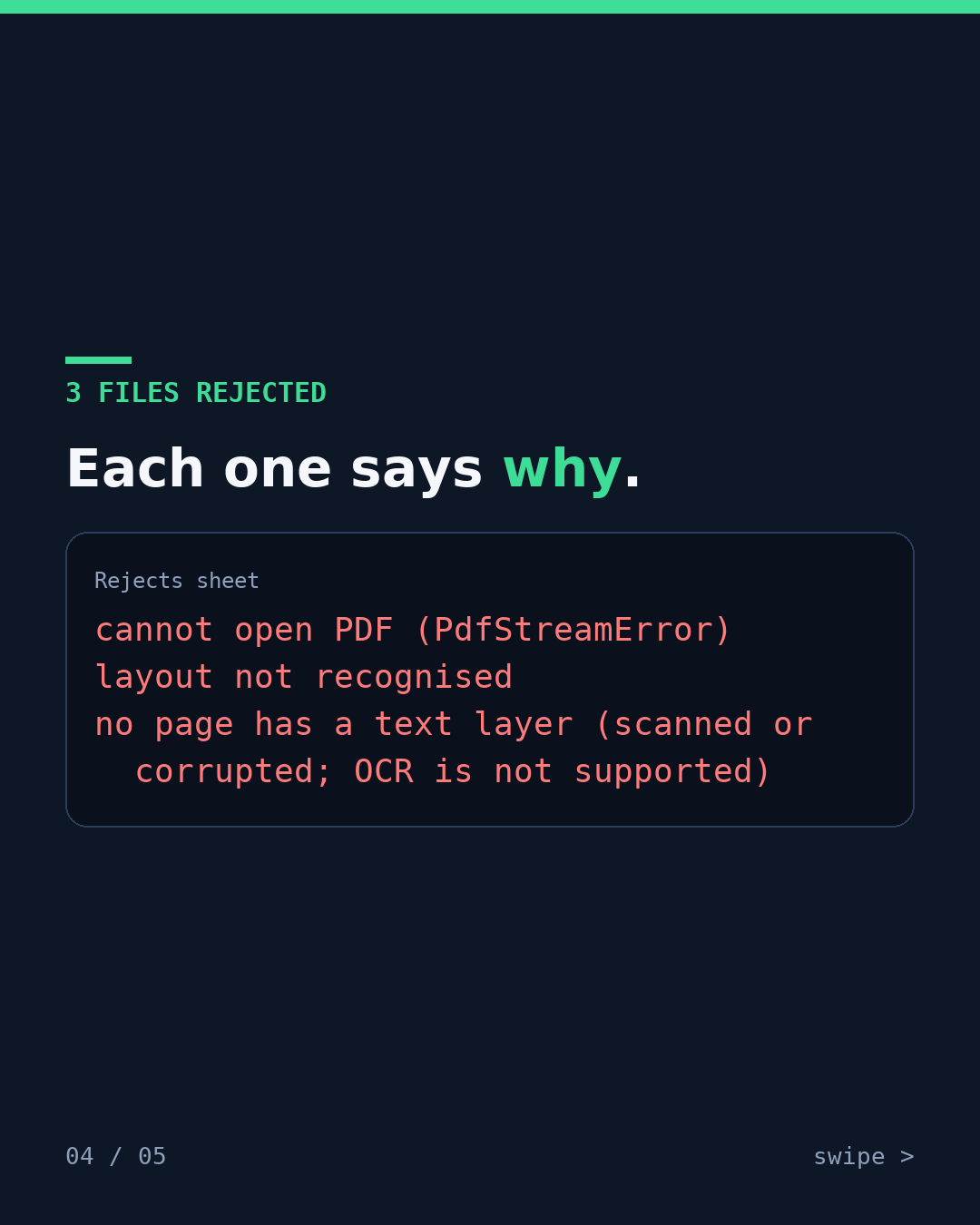
- We ran 37 made-up PDFs: 28 ok, 6 to check, 3 rejected. Every rejected file comes with a reason.
- We gave it a layout it had not seen. It rejected the file instead of guessing.
- We ran its tests with the network blocked: 0 connect attempts.
- We planted 18 bugs in its code. The tests caught 18 of 18.
Before / after runPDF statement and invoice reader
What it does after the fix
It reads each text-based PDF and checks that the lines add up to the printed total. It sorts every file into ok, check or rejected, with a reason for each rejection.
Limits
- Text-based PDFs only. No OCR, so scanned pages are out.
- Three made-up layouts. These numbers say nothing about real documents or other layouts.
- Our own demo kit, run on made-up data.
What happens after you write
You write
Email us or send a DM on X: what it does and where you think it breaks.
We ask a few questions
About your tools, your data and what counts as done.
Fixed written quote
The quote states the price and the delivery date.
Work starts only after you say yes
Nothing is built before you agree to the quote.
Want this on your data?
or write to [email protected]
Kits set up on your data from $49. A test run on your own automation from $45. Fixed quote in writing before any work.
This kit's logged test run
- tests
- 105 passed -> OK
- bugs
- 18 of 18 planted, caught
- data
- made-up